Art styles4 min read
Make a Japanese-Inspired Photo Journal from Everyday Moments
Turn an ordinary photograph into a quiet journal page with a clear panel sequence, restrained color, truthful details, and short personal captions.
In this article
The short answer
For a Japanese-inspired photo journal, choose a small everyday moment, give it one main frame, and use supporting details to slow the reader's attention. Keep color and decoration restrained. Let captions record what you remember, and check that generated panels have not invented events or altered important people and objects.
Define the moment before choosing the aesthetic
An ordinary moment can fill a journal page: steam above a cup, a scarf in the wind, or a familiar garden. Describe it without using beautiful, magical, or perfect. Specific observation gives the page its character.
Here, Japanese-inspired describes quiet panels, pencil details, warm paper, and everyday color, rather than a universal Japanese journaling aesthetic. Start with your experience; avoid cultural symbols unrelated to the photograph.
Give the page a main frame and supporting details
With one photograph, treat panels as observations of that image. Do not imply a before-and-after sequence you never photographed. A close view emphasizes a detail; an invented action changes the factual story.
- Choose a frame that establishes the place and its main person or object.
- Identify one visible detail: a leaf, a cup, a sleeve, or a shadow.
- Choose a quieter detail as a pause; it need not advance a dramatic story.
- Keep one frame dominant and let supporting panels guide attention.
Write captions that add something the image cannot
Write three notes: where you were, a sensory detail, and what you were thinking. Choose the strongest. 'We waited for the wind to stop' says more than 'a peaceful afternoon.' Sometimes a date or place is enough.
Keep exact names, dates, and longer captions for a manual finishing step where you can proofread them. Generated text may contain mistakes. Avoid using Japanese writing as texture unless you understand it and can verify what it says; your own language is fully at home in a personal journal.
Start with a published journal direction
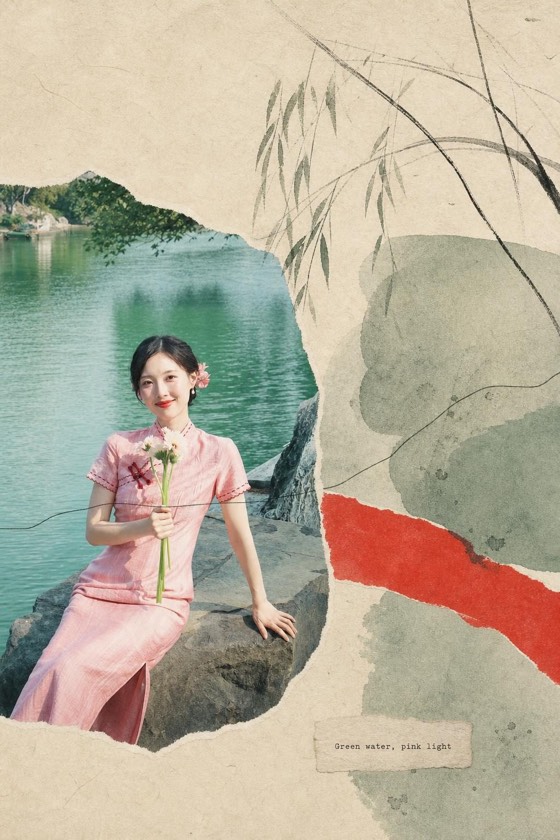
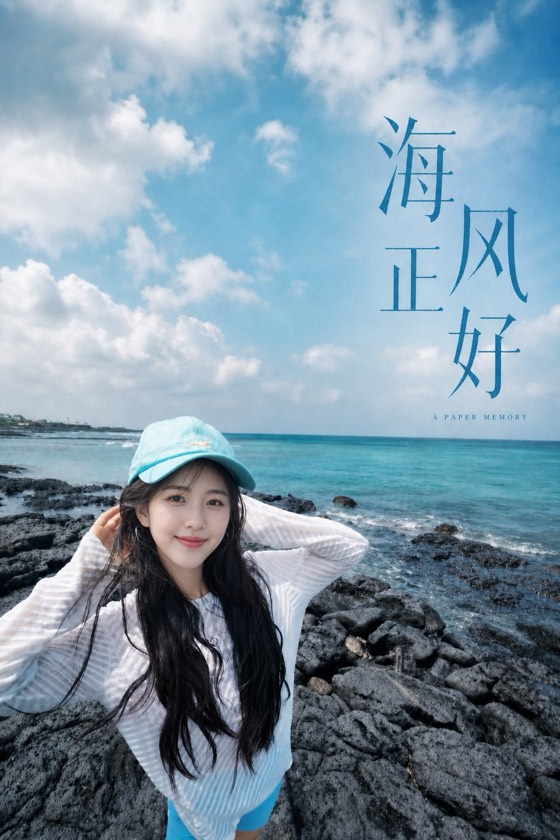
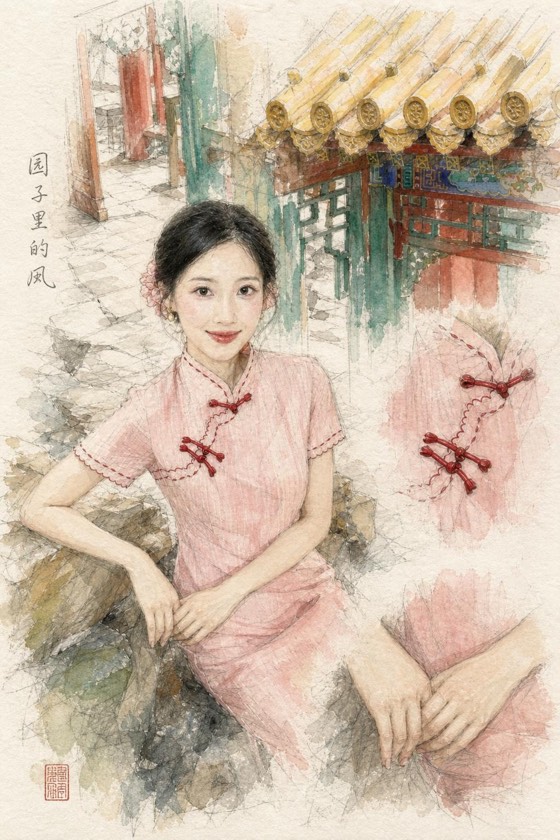
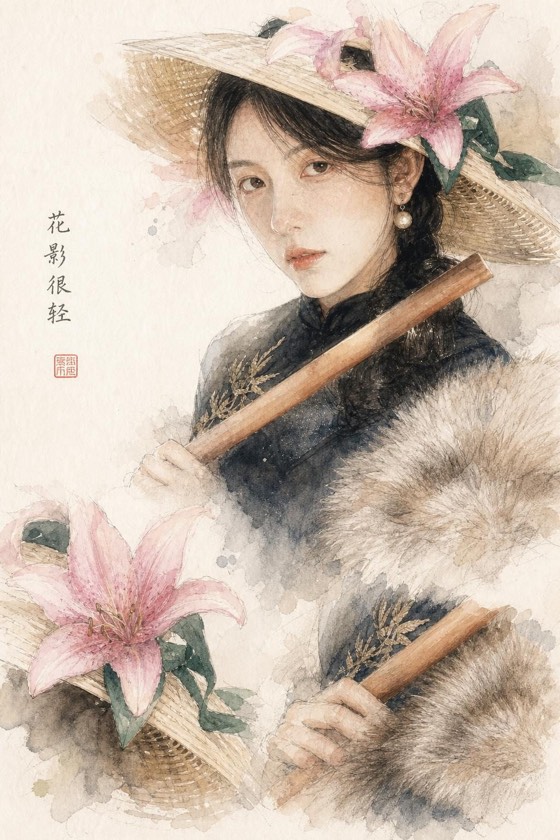
ZineSketch is our photo-art tool. Its Japanese Journal direction uses sequential framing, pencil details, and restrained everyday color. Each uploaded photograph generates its own art page; uploading several photos does not automatically merge them into one documented timeline or produce a bound journal.
Choose the style, then select photographs within your remaining credits. You can upload up to nine. The optional direction is limited to 60 characters; use it for a simple emphasis such as this:
A prompt to adapt
Quiet garden diary; keep the person and plants recognizable.
Check continuity and remove visual noise
Review before polishing captions. Generative art offers an interpretation, but cannot guarantee a person's likeness or continuity across panels.
- A person changes between panels: compare face, hairstyle, clothing, and pose against the source. Reject a result if the changes matter to the memory.
- A detail appears from nowhere: treat it as illustration, not evidence. For a documentary page, remove it in a suitable editor or choose another result.
- Every panel is busy: simplify the source or ask for a quieter composition. A close detail can provide a useful pause.
- Paper texture overwhelms the photograph: look for a lighter treatment that keeps faces and small objects readable.
Turn one page into a manageable habit
Try a weekly page about your walk, a meal, or light at a window. Keep a shared paper tone or palette, then let each photograph decide the composition.
Sign in to download generated originals and save a local copy; originals are stored for 90 days. For a printed journal, assemble the finished images in a layout tool and test one page at the intended size. Inspect actual file dimensions before choosing a large print.
A few more answers
Frequently asked questions
- Do I need several photos to make a journal page?
- No. One clear photograph can supply a main view and visible details. Do not present invented panel content as an event your photo documented.
- Can I add my own handwriting?
- Yes. Add it after downloading in a suitable editor, or write on a printed copy. This gives you control over wording, spelling, and placement.
- How can I keep a weekly journal consistent?
- Repeat a small number of choices, such as paper tone and caption placement. Review pages together; the same generative style does not guarantee identical treatment.
Sources & further reading
A note from the editors
Made by the people behind ZineSketch.
We operate ZineSketch and use AI to help draft and edit these guides. We review the text and linked sources before publication, identify our own gallery examples, and explain where our product fits. These guides are not independent hands-on tests of every service mentioned.
About the ZineSketch Editorial TeamMake something of your own
Give your photos
a place on the page.
Choose an art direction and start with a moment you want to remember.
Explore the Japanese Journal direction