AI image guides5 min read
Beautiful GPT Image Prompts: Three Photo Art Recipes
Three original photo-art prompts for paper collage, quiet cinema, and minimal illustration, with a practical method for refining each result.
In this article
The short answer
A beautiful image prompt describes a coherent composition, not a pile of flattering adjectives. Start with what must remain recognizable, choose one visual material, and define the relationship between the subject and the empty space. Then change one decision per revision.
Give every instruction a visual job
Replace beautiful, stunning, and premium with things you could sketch. Is the subject small or large? Is the background dense or open? Is the palette drawn from the photograph? Visible decisions are easier to review.
The recipes below are original starting points for a general image-editing tool that accepts an attached photo and a long prompt. They are not tested performance claims or ZineSketch note-field instructions. OpenAI's prompting guide provides further examples of describing image tasks and refining results.
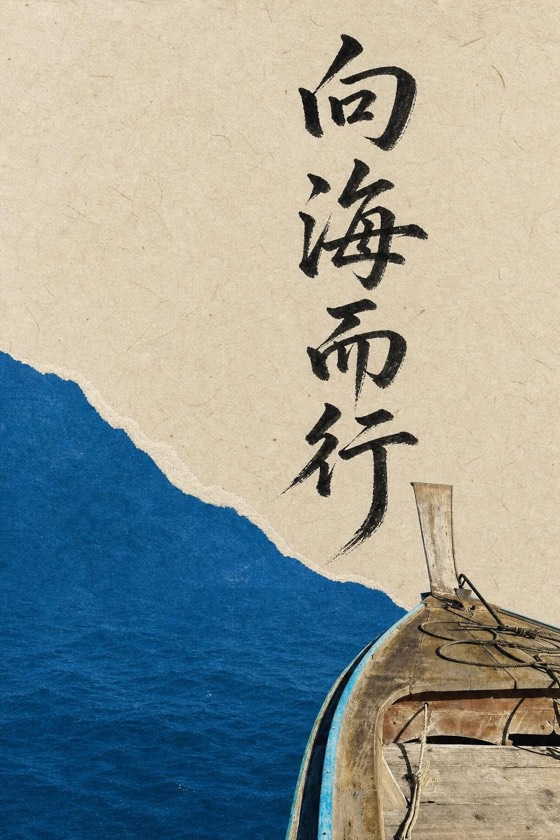
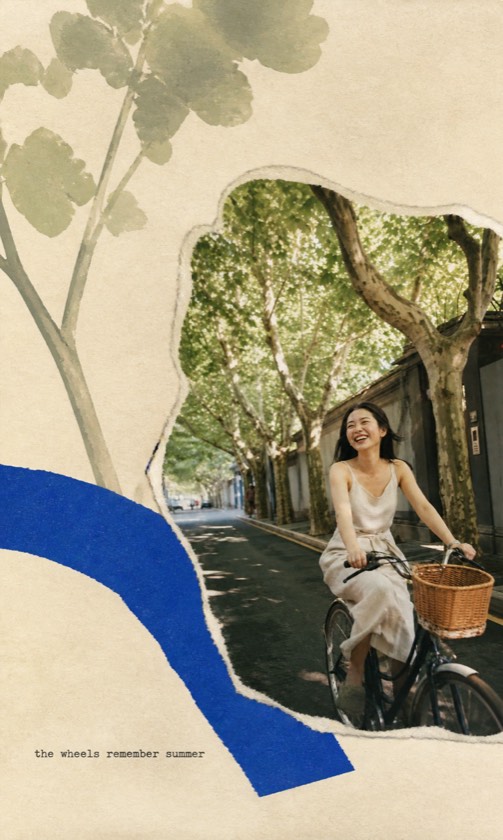
Recipe 1: a paper collage built from the scene
Use a photo with one readable subject and a few strong colors. Before generating, identify two shapes already present: a curved shoreline and a rectangle of window light, for example. Let those shapes supply the supporting collage.
A prompt to adapt
Transform the attached photograph into a spacious editorial collage. Keep the main person, their pose, and the central setting recognizable. Retain a photographic anchor in the lower third. Build two flat paper shapes from contours already visible in the scene. Use cream paper, soft graphite, and one accent color sampled from the photograph. Leave broad quiet margins. Keep the texture subtle and the face clear. Add no unrelated flowers, stickers, words, or decorative objects.
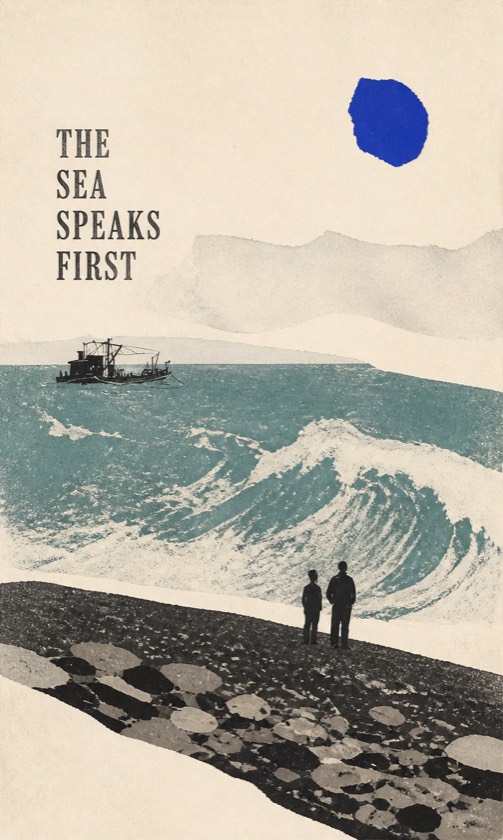
Recipe 2: a quiet cinematic page
Choose a scene whose lighting already has a mood. A window, an overcast street, or an evening reflection gives the composition something specific to develop. Keep the requested lighting close to that evidence.
A prompt to adapt
Use the attached photo to make a calm cinematic art page. Preserve the people, gestures, clothing, and location. Keep the original direction of light. Simplify minor background clutter without inventing a new place. Give the frame a subdued palette taken from the source, gentle tonal transitions, and a small amount of grain. Place the scene within generous warm-white space. Leave a clean area for a title that I will add later. No generated text and no extra people.
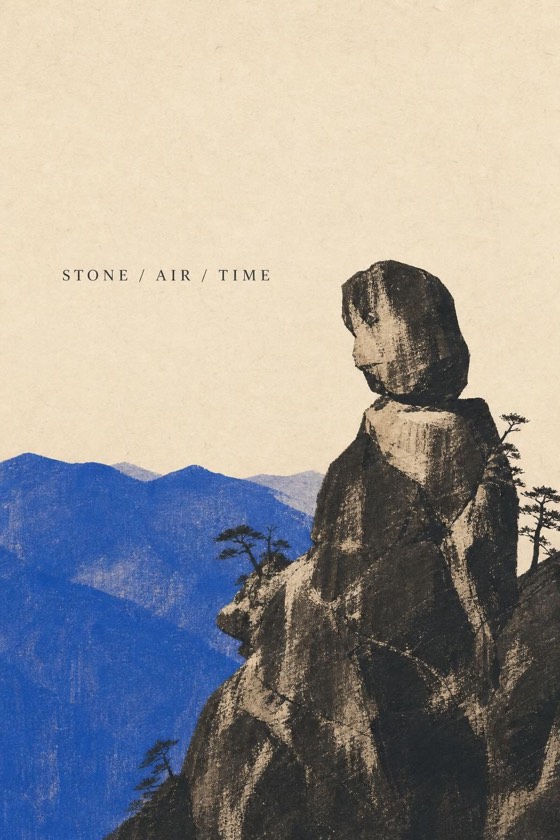
Recipe 3: one restrained visual metaphor
Pick a single relationship to exaggerate: distance, repetition, waiting, or a change in scale. Preserve the person while allowing a supporting shape to express the feeling. A second metaphor often weakens the first.
A prompt to adapt
Create a minimal illustrated page from this photograph. Preserve the recognizable main subject and their posture. Express the feeling of distance using one repeated contour derived from the horizon in the source. Keep that contour away from the face. Use a limited palette of charcoal, warm paper, and the scene's dominant muted color. Make the subject the only detailed area. Keep the remaining space quiet. Do not introduce additional symbols, labels, or a different landscape.
Turn a vague revision into a concrete one
Compare the revision at thumbnail and full size. The thumbnail reveals hierarchy; the larger view reveals altered details. Keep the version that satisfies both checks.
| What feels wrong | Try one focused revision |
|---|---|
| Too much decoration | Remove half the peripheral marks; retain the accepted subject. |
| Weak focal point | Make the subject the only area with fine detail. |
| Unrelated colors | Use the source photograph's dominant color for the sole accent. |
| Page feels crowded | Increase the empty margin around the subject. |
Short mood suggestions for ZineSketch
Choose the corresponding gallery direction, then use a brief note within ZineSketch's 60-character limit. Try Paper collage, quiet margins, one soft accent for Scenes Gathered; Quiet evening, gentle light, space to breathe for Quiet Cinema; or One small subject, distance, restrained color for Image Distillation. The style selection does most of the work; the note adds a small personal emphasis.
A few more answers
Frequently asked questions
- Can I paste these full prompts into ZineSketch?
- No. They are examples for general image-editing tools. ZineSketch has a short optional note, limited to 60 characters, alongside its art-direction selector.
- What should I change when a prompt feels generic?
- Replace a style adjective with a detail from your photograph: a window shape, a shoreline color, a gesture, or the direction of light.
- Should I request lettering inside the image?
- For a title that needs precise placement and editing, reserve an empty area and add the text afterward in your layout tool.
Sources & further reading
A note from the editors
Made by the people behind ZineSketch.
We operate ZineSketch and use AI to help draft and edit these guides. We review the text and linked sources before publication, identify our own gallery examples, and explain where our product fits. These guides are not independent hands-on tests of every service mentioned.
About the ZineSketch Editorial TeamMake something of your own
Give your photos
a place on the page.
Choose an art direction and start with a moment you want to remember.
Explore the art directions